Team Messaging & AI Assistant

Message your team directly in Alpaka. Or ask Alpaka itself a question - it already knows the answer.

Stop hunting for the answer. Just ask for it.

Every workforce system makes you go and find things - click into the person, click into the tab, click into the report, do the maths yourself. Alpaka has a normal inbox for talking to your team. And sitting right inside it is Alpaka itself: an AI colleague that already knows every record in your account and will just tell you, in a sentence, instead of sending you off to look.

"Tell me about Kate's absences this year." Not a report. Not a filter. An answer.
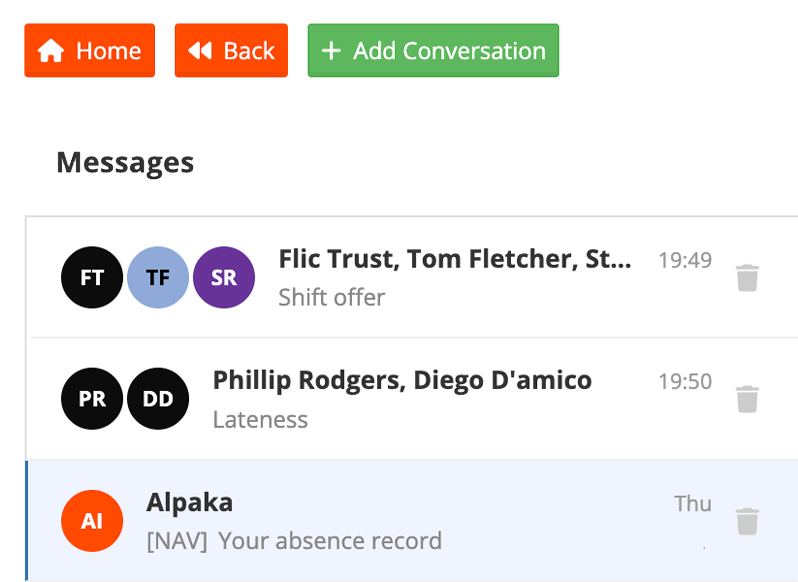
Alpaka Messages inbox showing staff conversations and an AI conversation with Alpaka

One inbox for the whole team

In-app messaging

Just like WhatsApp but no exposed phone numbers.

Every conversation Alpaka needs already lives in Alpaka - shift offers, lateness, absence follow-ups, a quick question to three people about next week. Start a conversation, add whoever's relevant, and it's there for good.

  • No consumable cost for SMS
  • No personal numbers exchanged
  • Context stays linked to the shift or record
  • One place - no WhatsApp group that outlives its reason
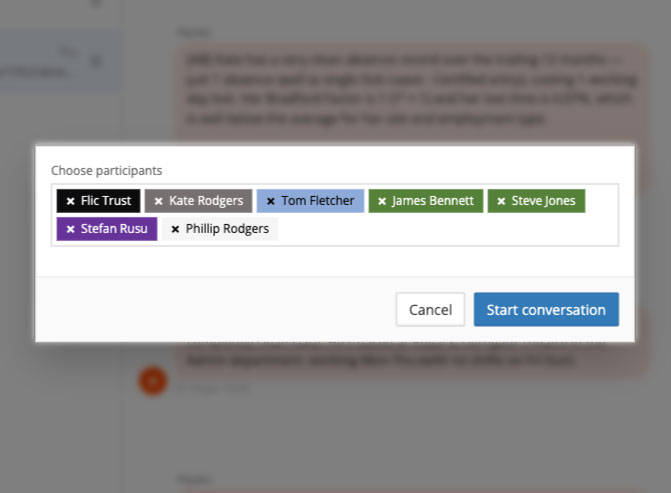
Starting a new conversation and choosing participants in Alpaka Messages
Alpaka, the AI colleague

"Tell me about Kate Rodgers' absences this year."

Ask that, and Alpaka answers in a sentence - absence spells, days lost, Bradford Factor, lost-time percentage, shift pattern, manager. Ask a follow-up - "what about Diego?" - and it stays on topic. A conversation, not a new search every time.

Reads your real account data

Links straight to the record

Same permissions as everyone else

Remembers the conversation
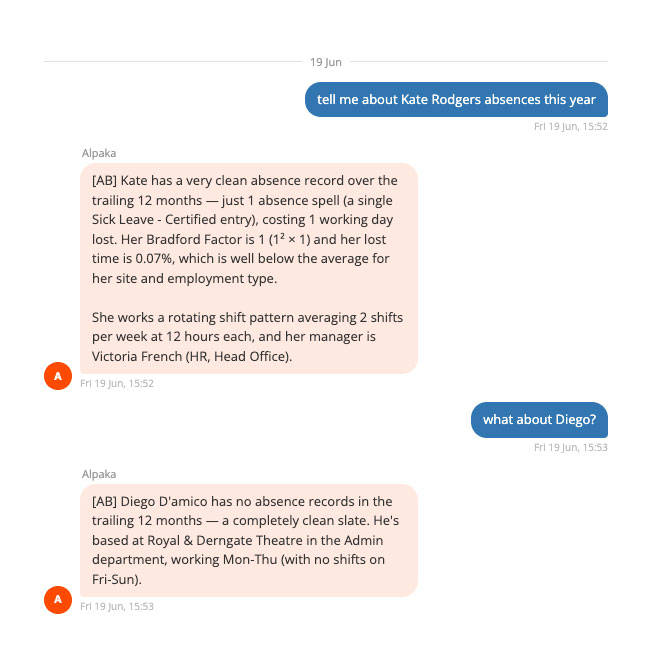
Conversation with Alpaka answering a question about an employee's absence record, Bradford Factor and shift pattern
See it in action

Watch Messaging & the AI colleague

A two-minute walkthrough of the shared inbox, starting a conversation, and asking Alpaka a real question about staff absence.

Read video transcript
Lorem ipsum dolor sit amet, consectetur adipiscing elit. Sed do eiusmod tempor incididunt ut labore et dolore magna aliqua. Ut enim ad minim veniam, quis nostrud exercitation ullamco laboris nisi ut aliquip ex ea commodo consequat. Duis aute irure dolor in reprehenderit in voluptate velit esse cillum dolore eu fugiat nulla pariatur. Excepteur sint occaecat cupidatat non proident, sunt in culpa qui officia deserunt mollit anim id est laborum. Sed ut perspiciatis unde omnis iste natus error sit voluptatem accusantium doloremque laudantium, totam rem aperiam eaque ipsa quae ab illo inventore veritatis et quasi architecto beatae vitae dicta sunt explicabo.

Common questions

Anything within your permissions and your account's data - absence history and Bradford scores, leave balances, rota coverage, compliance, expiries, HR records. Ask it the way you'd ask a colleague who'd memorised the whole system: "how many people are off sick this week?", "when does Sam's Visa expire?", "who's free to cover Thursday nights?"
No - it lives as a conversation, in the same Messages inbox you use to talk to your team. Ask a question, get an answer, ask a follow-up without repeating yourself. It remembers what you were just talking about, and where the answer belongs on a specific screen, it can take you straight there. AI conversations automatically remove themselves after 48 hours, that way no private information can be exposed on an open terminal.
Yes. Start a conversation with one person or a group, straight from Alpaka - no personal numbers exposed. Alpaka itself just appears as another participant you can bring into any conversation when you need an answer.
Alpaka only provides answers from your own account's data, governed by the same permissions as the rest of the system - it won't tell a manager something they couldn't already see by clicking through the screens themselves.
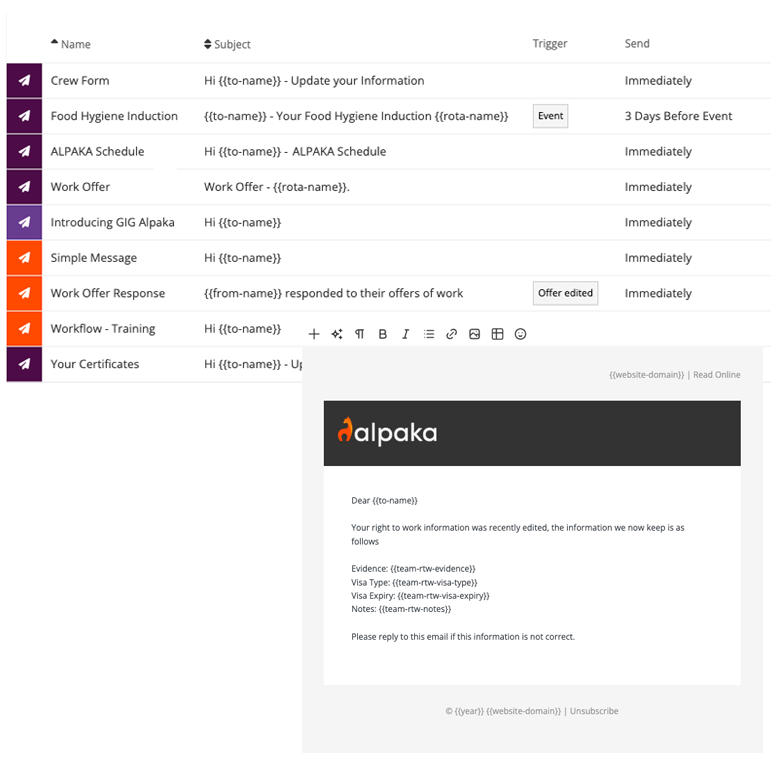
To create and send an email campaign with Alpaka, start by selecting the team members you want to reach and either one of our premade templates or our simple editor to quickly assemble, draft, and customise content to meet your requirements.

Once your email is ready, configure a send time and deploy. You can also set up automated sending for specific events like onboarding messages, shift reminders, and resending to workers who don't open your email the first time around.

The same great campaign features work for your wider contact list as well as your team, so Alpaka can communicate beyond just your immediate workforce.
In-app messaging and the Alpaka AI colleague are included on the Core and Complete plans. It sits alongside everything else - the rota, leave, absence and HR records - because it's built to answer questions about all of it.

Three ways to get started

Try it yourself

A 5-minute guided walkthrough of Alpaka, no setup required, no data. Best if you'd rather get hands-on before talking to anyone.

Start
Book a live demo

Talk it through with a solution specialist - not a salesperson. Ideal if you've got specific questions or want to see how Alpaka fits your setup.

Demo
Sign up free

Start right away - no credit card, no setup fees. The quickest route if you already know what you're after.
Sign Up
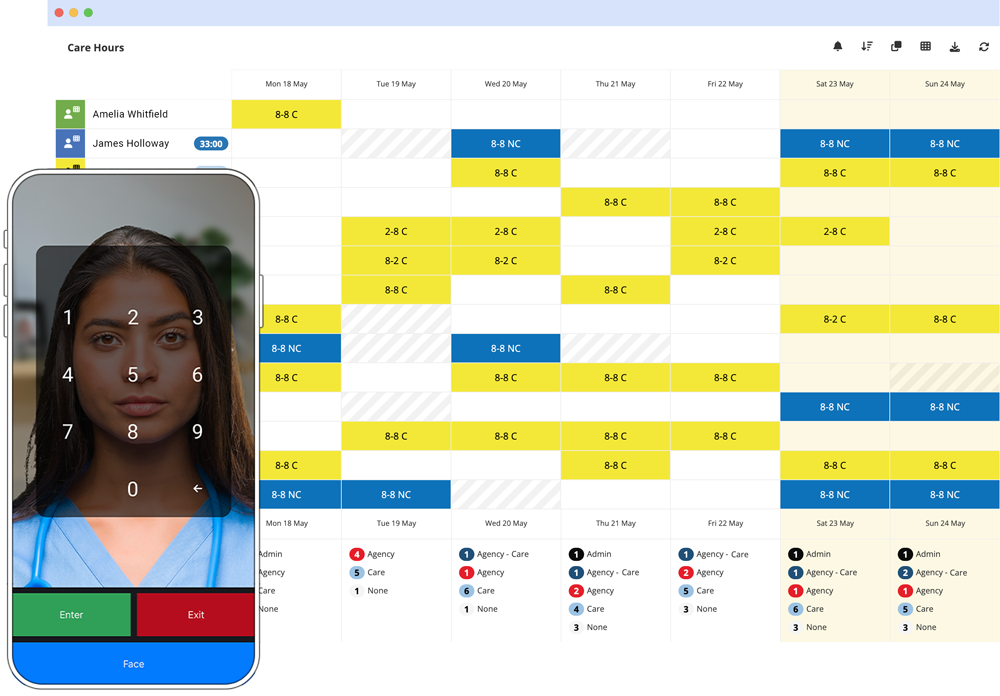
Alpaka Presence on a phone